Reviewing your tables
Choose the consumer tables you want to check and follow each finding back to its source.
On this page
Select and review
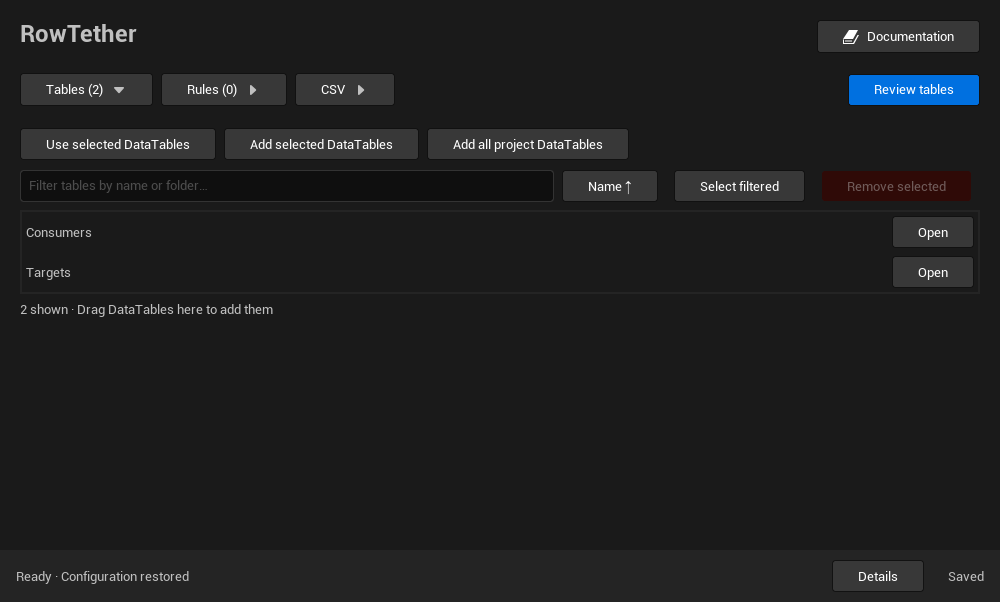
- Select your consumer DataTables in the Content Browser. Include the destination table if comparing a CSV.
- Click Use selected DataTables. Check the listed table names; hover a name for its full path. This replaces the current selection; rules for retained tables are preserved, rules for removed tables are removed after confirmation, and any CSV candidate selection is cleared.
- Row handles are detected automatically. Load an explicit profile for Name/String foreign-key columns or optional handles.
- Click Review tables. You can cancel or close the panel between collection batches.
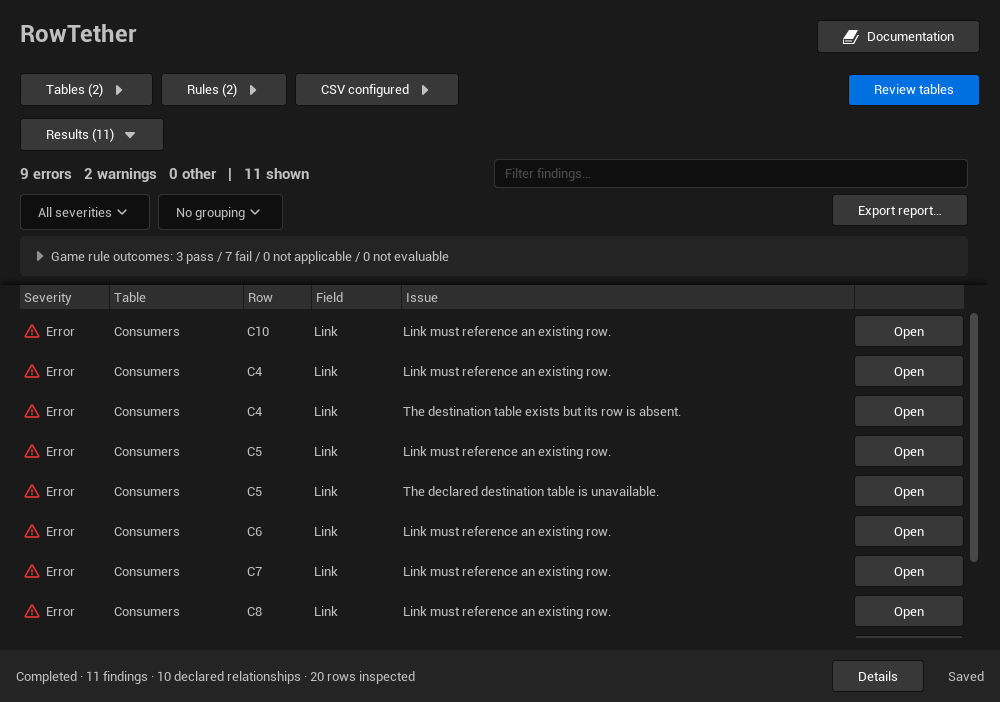
- Read status and coverage, then inspect the findings. Double-click a finding to open its source table and locate the reported row/property.
Loading or applying a profile starts a review automatically. Wait for the status to settle before opening findings; use Review tables when you want to start a fresh run without changing the configuration.
Only the selected tables are searched for consumers. Referenced destination tables are loaded to check their keys. Changing inputs invalidates earlier results. If sources change during collection, run again for a consistent snapshot.
Decide which fields are relationships
Top-level Data Table Row Handle fields are detected automatically. A plain Name or String field needs an explicit column profile that identifies its destination table.
Select all the consumer tables you want included. Loading a referenced destination does not cause RowTether to search that destination for more consumers.
Read results in context
A completed run can still contain errors. Completion describes coverage, while findings describe the relationships. If the run is partial, review the omitted-source reasons before using the results to make an import decision.
Review one open table
From a DataTable editor, Review this table runs a one-table review with the active reference policies and game rules. It does not compare a CSV and does not replace the general panel selection, profiles, CSV settings or undo history. Use Review tables when you want to review the selection in the RowTether panel; the editor action is unavailable while a review is running.
The top toolbar stays visible while you scroll. Tables, Rules and CSV expand their controls below it. Clicking Review tables collapses those controls to make room for results. Opening a section again preserves the results and filters; automatic reviews from profile or CSV changes keep the active section open.
Click the Results header to collapse or expand the report. Findings, filters and selection are retained. Review tables reopens Results automatically. Opening Rules leaves Results in the state you chose.
Results appears after a review starts. The table list adjusts to the number of matching tables and uses virtualized scrolling for larger selections.